
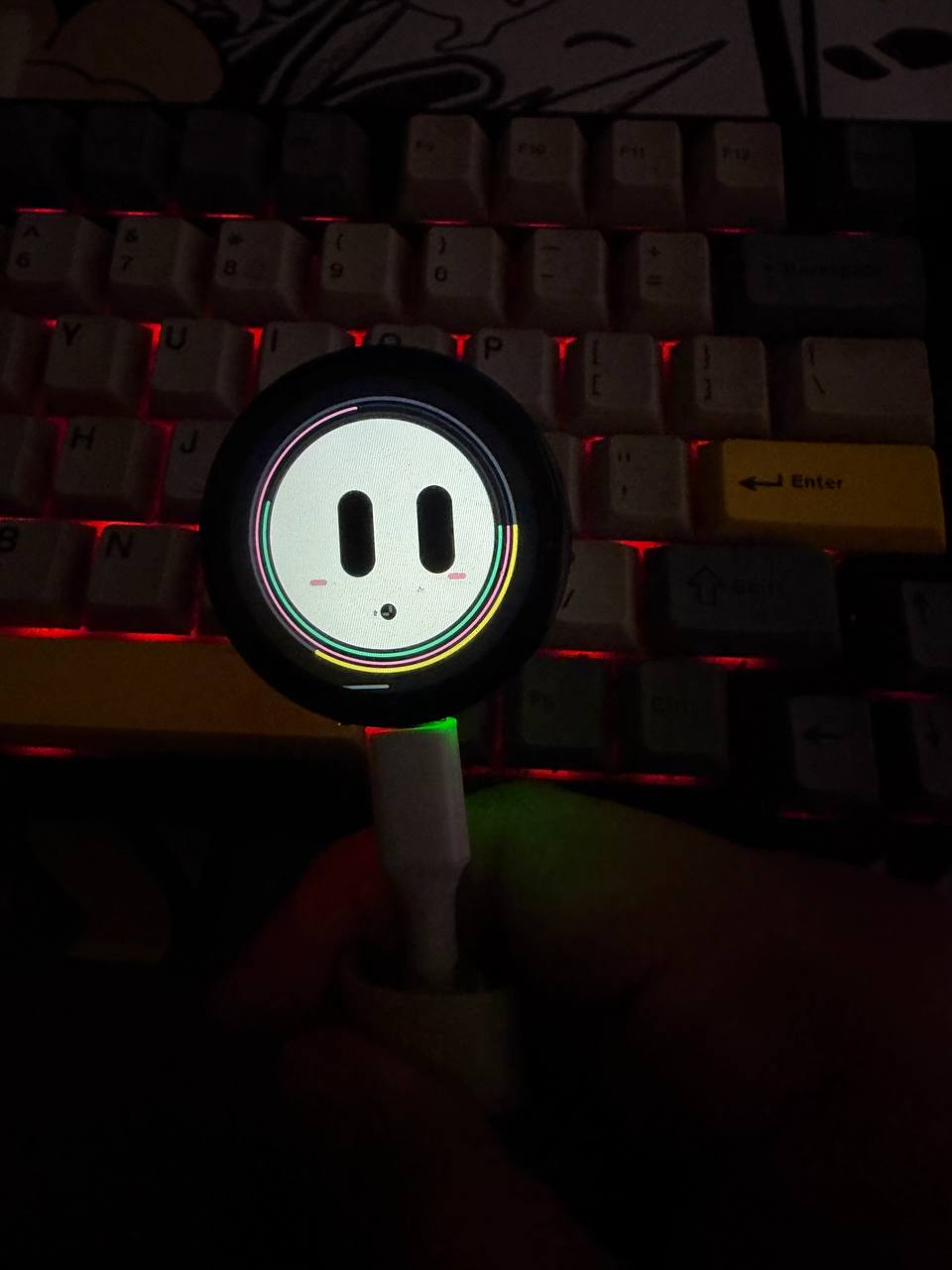
FUMI faceFUMI
GitHub ↗

OPEN-SOURCE PHYSICAL AI

What if your AI
could live with you?

FUMI is a Tamagotchi-inspired AI companion built on an ESP32-S3 display board. It has a face, a body, a voice, needs, memory-like state, and a real place on your desk.

ESP32-S3·LVGL·VOICE·OPEN SOURCE
FUMI running on its round display
FUMI / PROTOTYPE 01REAL HARDWARE
01 / THE IDEA

AI shouldn't only live in a browser.

FUMI turns an AI agent into something physical: a small character you can touch, talk to, feed, play with, and keep around. The hardware is simple on purpose — the interesting part is what you build on top of it.

02 / WHAT FUMI DOES01—06

Not just a chat box.

FUMI combines a living on-device interface with cloud AI. Its state can change over time, while touch and voice turn the little display into an actual companion.

01Animated character UIExpressions, idle states and reactions
02Touch interactionInteract directly with the display
03Life systemHunger, energy, happiness, bond & growth
04Mini-gameA small game loop inside the companion
05Push-to-talk voiceSpeak to FUMI through the onboard mic
06Cloud AI chatProvider-agnostic model backend

HARDWARE OPTIONS

One brain. Different builds.

The Waveshare board is the current reference build. Other ESP32-S3 setups are possible, but need display, touch and audio driver adaptation.
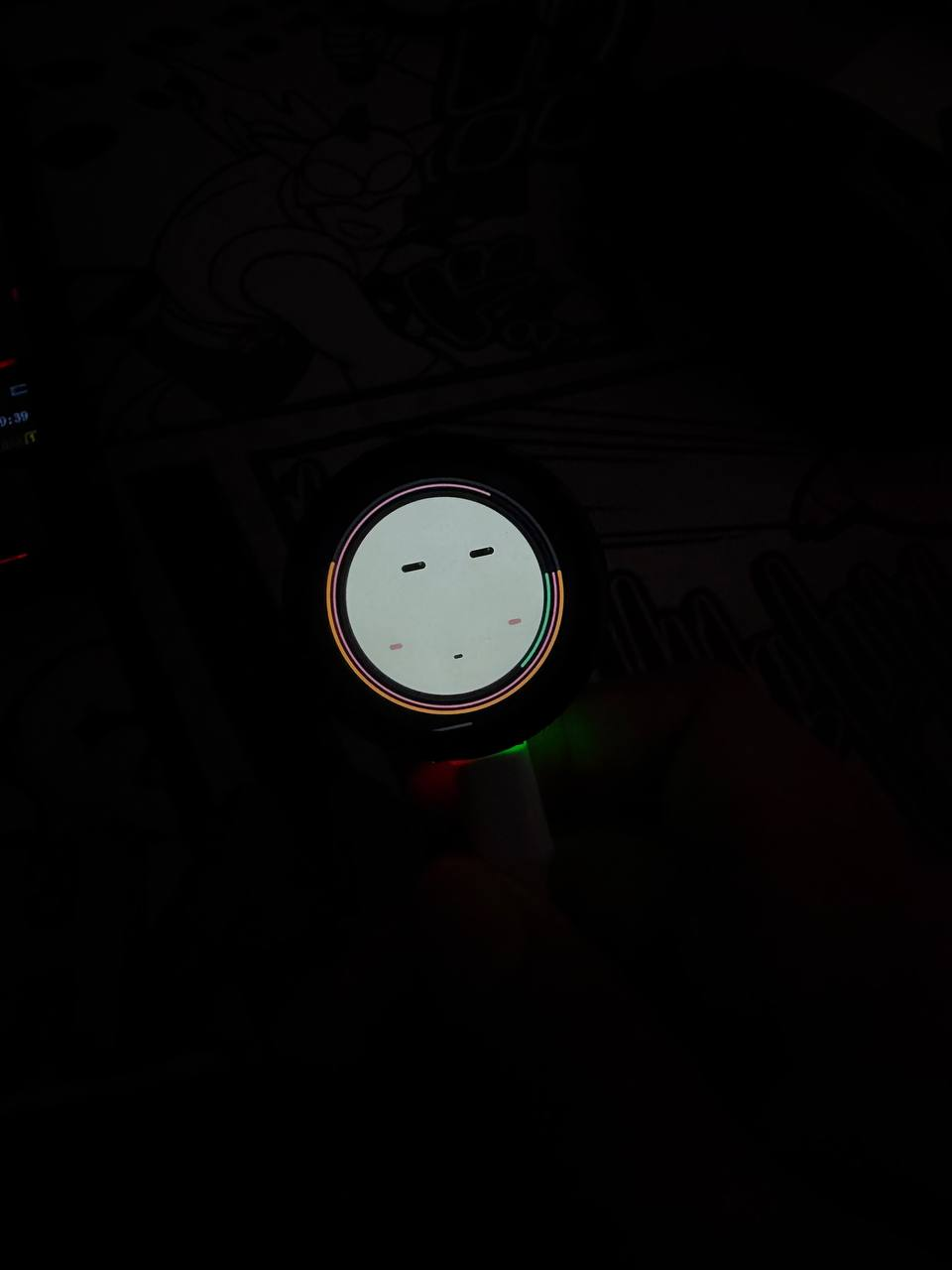
Important: these are hardware paths, not plug-and-play firmware targets. The current firmware is built around the Waveshare ESP32-S3 Touch LCD 1.46″.
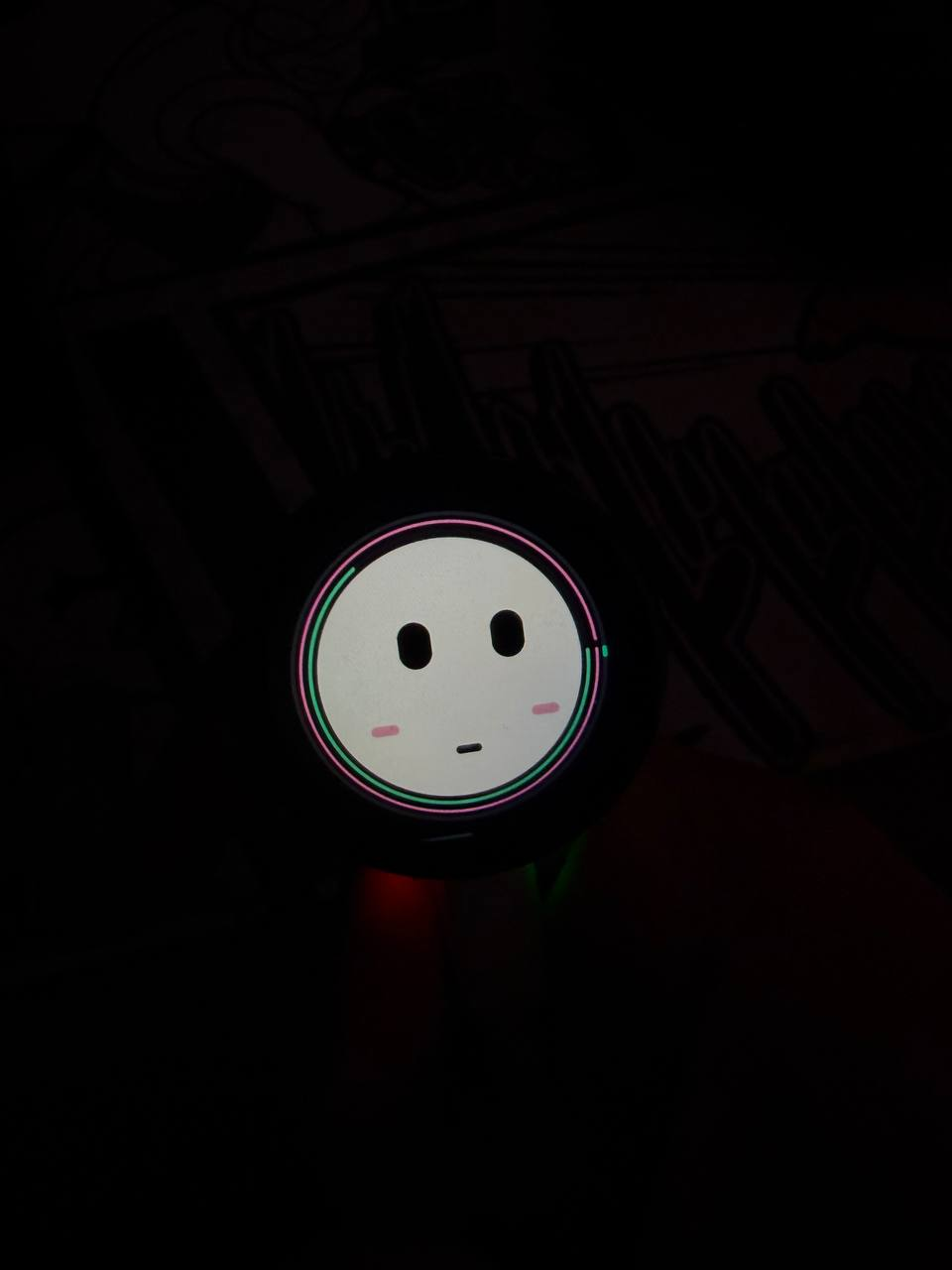
Close-up of FUMI
THE FACEA small screen
with a lot to say.
THE PHYSICAL LOOP
Touch it.
Talk to it.
Keep it around.

FUMI is designed around repeated little interactions, not one giant prompt box.

03 / HARDWARE

One board. A real device.

The current reference build uses the Waveshare ESP32-S3 Touch LCD 1.46. The board is the starting point — the enclosure, body and environment are yours to change.

FUMI prototype hardware on a deskWAVESHARE / ESP32-S3 TOUCH LCD 1.46
COMPUTEESP32-S3Wi-Fi enabled embedded controller
DISPLAY1.46″ round touchLVGL interface for face + interaction
AUDIOMicrophone + speakerVoice input and spoken responses
INPUTTouch + physical controlsDesigned around direct device interaction
NETWORKWi-Fi → FUMI BrainAI processing stays off the microcontroller

04 / VOICE

FUMI can actually talk.

Press to talk, send audio to the backend, let the selected model answer, then bring the response back to the device as speech.

YOU“Hey FUMI…”
↓
FUMIhears → thinks → speaks
MIC
→
WAV
→
STT
→
TEXT MODEL
→
TTS / AUDIO
→
SPEAKER
TEXT MODEL OPTIONSOpenAIClaudeGrokOpenRouterOllamaCompatible APIs

05 / THE REAL THING

Built. Flashed. Talking.

This is the prototype running on real hardware — not a product render and not a browser mockup.

FUMI / HARDWARE DEMOREAL DEVICE · VOICE PIPELINE

06 / BRING YOUR OWN BRAIN

The device doesn't care which model you use.

FUMI separates the physical device from the AI provider. Switch the text model in the backend instead of rebuilding the firmware every time you want to experiment.

Read the architecture ↗
OpenAItext + speech integrations
Anthropic Claudetext model provider
xAI Groktext model provider
OpenRoutermodel routing
Ollamalocal model option
Compatible APIsbring your own backend

07 / BUILD IT

From board to companion.

The repo is organized so the physical device, AI backend, browser demo and documentation can evolve independently.

01Hardware

ESP32-S3 + round touch display, mic and audio output.

firmware/
02Firmware

LVGL UI, life state, touch, mini-game and network requests.

firmware/
03FUMI Brain

Voice + text endpoints with configurable AI providers.

backend/
04Browser demo

Test the brain route without the physical device.

demo/
READY TO BUILD?

Clone it. Flash it. Change it.

Everything is open so you can learn from the build or take FUMI in a completely different direction.

Open FUMI on GitHub ↗

08 / ONE BOARD, MANY BODIES

FUMI doesn't have to look like this.

The reference board can become a desk companion, bedside device, wearable, robot, installation — whatever body makes sense for your idea.

FUMI desk setup
DESKyour everyday companion
FUMI close-up
BEDSIDEa little voice nearby
09

BUILT IN THE REAL WORLD

Started with a tiny board.
Ended with a companion.

FUMI started as an experiment: can an AI agent feel different when it has a physical interface, limited compute, real input/output and a place in your room? The project grew from firmware and animations into voice, a backend, model switching and a working prototype.

01 / HARDWARE02 / FIRMWARE03 / VOICE04 / AI BRAIN05 / OPEN SOURCE

10 / OPEN SOURCE

See how the whole thing works.

Firmware, backend, demo, setup scripts, API notes, architecture, hardware notes, security guidance and release material live in the repository.

firmware/device + UI
backend/FUMI Brain
demo/browser test
docs/guides + API
scripts/setup helpers
SECURITY.mddeployment notes
PROJECT STATUSACTIVE / EXPERIMENTALv0.1.0Open source